The people’s wallet
Digital Dollars,
Bitcoin and Gold
A wallet built for real life: your wealth, remittances, and everyday transfers. Simple, powerful, yours.
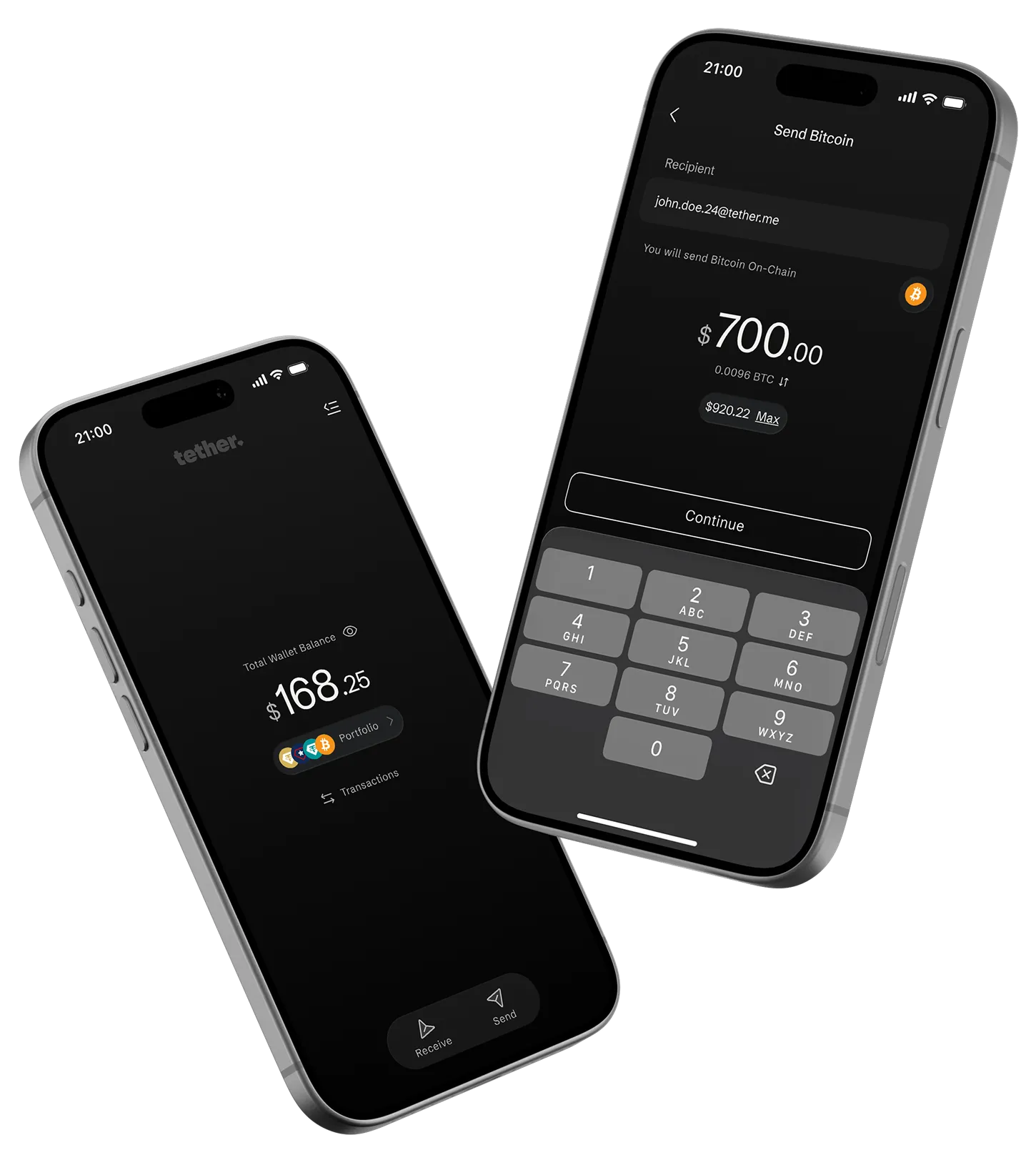
Take a closer look
Seamless. Borderless. Smart.
Made for real people.
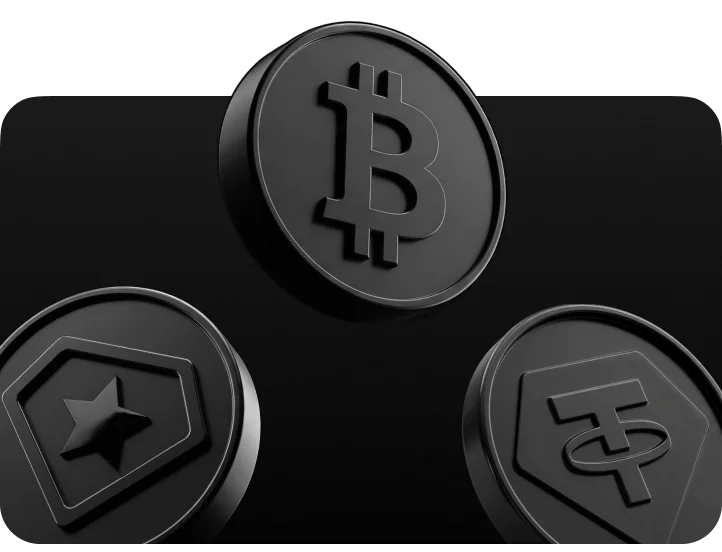
Digital Dollars, Bitcoin, Gold The essentials, made effortless
One wallet for the digital tokens people actually trust: USD₮, USA₮, XAU₮, and Bitcoin, with the complexity handled for you.

A simpler way to send your assets
Move USD₮, USA₮, and XAU₮ without managing multiple tokens. Fees are handled automatically in the token you send, giving you an effortless transaction every time.
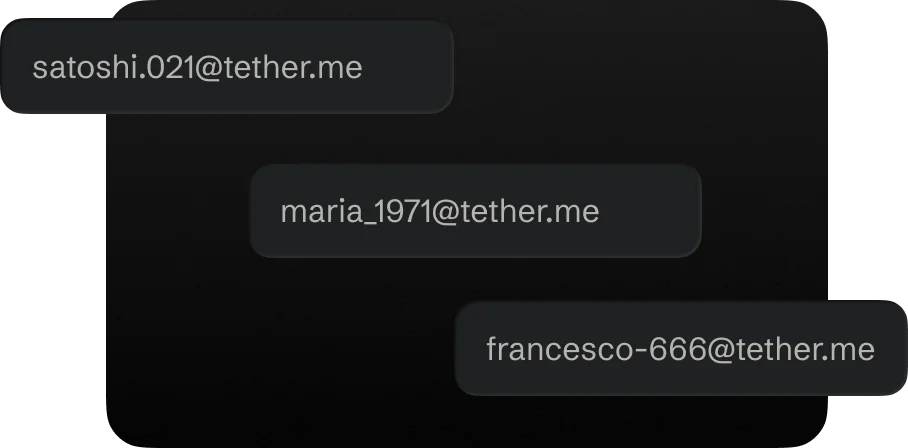
Meet your @tether.me username
Ditch the complicated addresses. Send Bitcoin, USD₮, USA₮, and XAU₮ seamlessly across networks using just one easy-to-remember name. No copy-paste, no stress.
Self-custodial by design
Your wallet, your keys. Back up your 12 words offline or save an encrypted copy to cloud storage. Total control, and the easiest way to send assets borderless.
Freedom starts here
Send & receive Digital Dollars, Gold, and Bitcoin.
Anytime, anywhere.
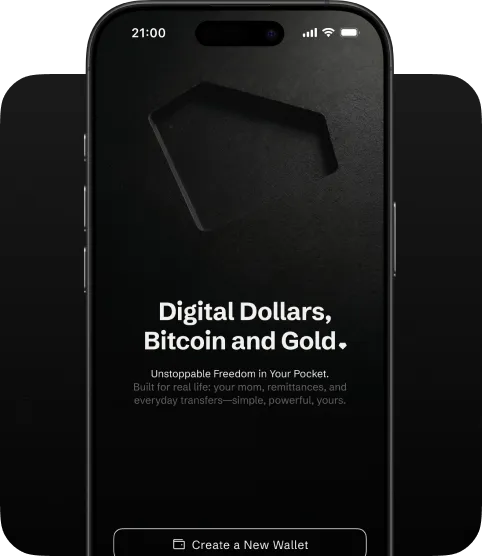
Create your wallet
Type your password, choose your username, and you are in.
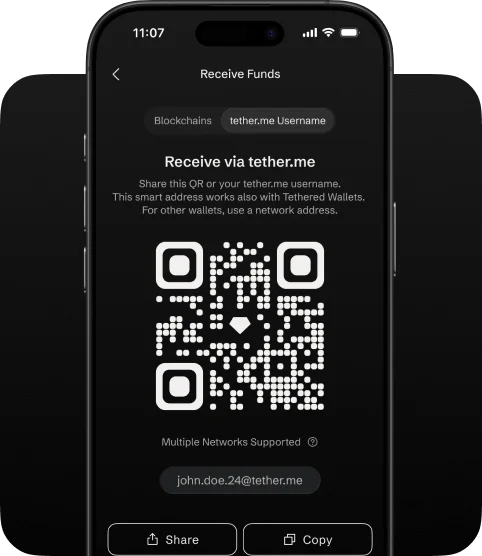
Share your tether.me
Tap ‘Receive’, choose the digital tokens, and share your tether.me username or QR to get paid in seconds.
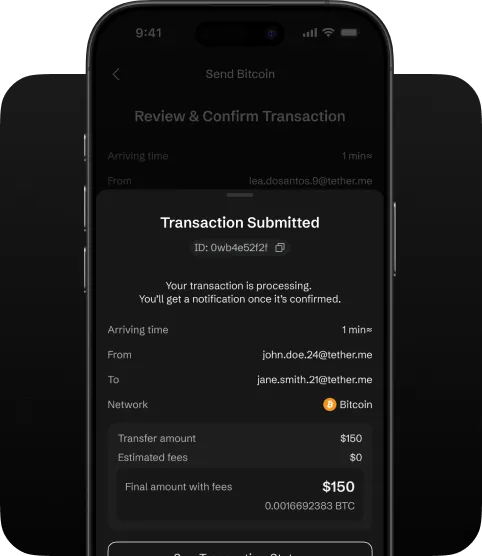
Track every transaction
Open the transaction details anytime to see what arrived, when it arrived, and where it came from.
Good to know,
before you start.
Tether Wallet is a digital wallet that lets you store, send, and receive tokens, including US dollar-backed tokens like USD₮ and USA₮, gold-backed tokens XAU₮, and Bitcoin.
Unlike traditional apps where a company holds your funds, Tether Wallet puts you in full control. Your wallet is created on your device, and only you hold the keys to access your assets. Tether cannot access or move your funds at any time.
Every transaction you make is signed directly on your device before it reaches the blockchain. Nothing leaves your phone without your explicit approval, and sensitive information, such as your recovery phrase, is never shared with our servers in a readable form.
In short: your tokens are yours. We build the tool, you hold the keys.
Your recovery phrase is a set of 12 words generated when you create your wallet. Think of it as the master key to your assets; it is a way to restore your wallet if you lose access to your account.
If you are on iOS: Your app will retrieve the encryption key automatically, just make sure you are logged in with the same iCloud account used during backup.
If you are on Android: Choose the relevant Google Account (the same one used when you backed up).
This phrase is created on your device and is never sent to Tether in a readable form. No one at Tether can look it up, reset it, or recover it for you. If you lose it and have no other backup, your funds cannot be recovered by anyone.
What you should do:
- Store it somewhere safe and private, written on paper or in a secure location you trust.
- Never share it with anyone, including anyone claiming to represent Tether.
- Never enter it on any website. Tether Wallet will only ever ask for it inside the app during wallet recovery.
If someone has your recovery phrase, they have access to your wallet. Treat it like you would treat the key to a safe.
Tether Wallet offers two ways to protect your wallet so you can recover it if you switch phones or lose your device.
Option 1: Cloud Backup (recommended)
During setup, the app will offer to create an encrypted backup. Here is how it works: the app generates a special encryption key on your device, uses it to encrypt your wallet data, then stores the encrypted data on Tether servers and the encryption key in your personal cloud account (e.g., iCloud on iPhone or Google Drive on Android).
This means no single party can access your wallet alone. Tether only holds encrypted data that is unreadable without your key, and your cloud account only holds the key without the wallet data. Both parts are needed together, and they are only combined on your device when you log in.
To restore your wallet on a new device, simply log in with your email. The app will automatically retrieve both parts and rebuild your wallet on your device.
Option 2: Manual Backup
If you prefer not to use cloud backup, you can write down your 12-word recovery phrase and store it yourself. To restore, you will need to enter all 12 words manually inside the app.
Note: We strongly recommend enabling cloud backup. It provides the same level of security with a much smoother recovery experience. You can always check your backup status or re-run the backup process from Settings.
Receiving tokens
There are two ways someone can send you tokens:
- By username: Share your Tether.me username (for example, @yourname) with the sender. This works when the sender also uses Tether Wallet and other Lightning wallets. No long addresses needed.
- By wallet address: For receiving from people who use other wallets or services, select the token and network you want to receive on, and the app will show you the correct address and a QR code to share.
Sending tokens
To send tokens, tap Send on the home screen. You can enter:
- A Tether.me username: the easiest way to send to another Tether Wallet user and any other Lightning enabled Bitcoin Wallets.
- A blockchain address: for sending to any external wallet or service.
- Or scan a QR code: the app will read the address automatically.
Next, choose which token to send, select a network, enter the amount, and confirm. You will see a summary of exactly what will be sent, including any network fees, before you approve the transaction.
You can read a step-by-step guide on how to receive and how to send tokens on our Knowledge Base.
Note: All transfers are processed on the blockchain. Once confirmed, transactions cannot be reversed. Always double-check the recipient before sending.
Tether Wallet does not charge you any fees for sending or receiving tokens.
However, every transaction on a blockchain requires a small network fee (sometimes called a "gas fee"). This fee does not go to Tether, it is paid to the Paymaster and network that processes your transaction. The amount varies depending on which network you use and how busy it is at the time.
Before you confirm any transaction, the app will always show you the exact fee so there are no surprises. You will see the amount the recipient will receive, the network fee, and the total cost, both in the token you are sending and in its US dollar equivalent.
If you use the "Send Max" option
You will be sending your entire balance. The network fee will be deducted from the amount you are sending; this means the recipient will receive slightly less than your full balance. The confirmation screen will make this clear before you approve.
Tether Wallet V1 supports the following cryptocurrencies:
- USD₮: a digital dollar. Each USD₮ is backed 1:1 by US dollar reserves. The most widely used stablecoin in the world.
- XAU₮: a digital gold. Each token represents ownership of one fine troy ounce of physical gold held in secure vaults.
- Bitcoin (BTC): the original and most recognized cryptocurrency.
- USA₮: a federally regulated (USA) dollar-backed stablecoin.
These cryptocurrencies are available across several networks. You do not need to understand the technical differences between networks to use the wallet. The app will show you which options are available for each digital token and display your balance on each.
Available networks:
- USD₮: Ethereum, Polygon, Plasma, Arbitrum
- USA₮: Ethereum
- XAU₮: Ethereum, Polygon, Plasma, Arbitrum
- Bitcoin: Bitcoin (on-chain), Bitcoin Lightning (for faster, lower-cost Bitcoin transfers)
Note: Users can now send & receive via BOLT11 invoices and LNURL.
Note: When sending, the app will only show you networks that are compatible with the digital token you selected and where you have an available balance. You do not need to memorize which network supports what; just make sure that the other party is using the same network to send or receive.
Deleting your account
If you want to delete your Tether Wallet account, go to Settings > Security > Delete Account.
After submitting, you will receive a confirmation email with a secure link. Clicking that link confirms your request, and your account will be deactivated. All associated personal data will be removed, subject to any legal retention requirements.
The email used cannot be used to create a new account. Note that this action is permanent; once done, you will need to create a new account to use Tether Wallet.
Before deleting, please make sure you:
- Transfer any remaining assets out of your wallet.
- Write down your recovery phrase if you have not already. Once your account is deleted, the encrypted backup stored on our servers will no longer be accessible.
Getting help
If you are experiencing an issue or have a question not covered here, you can try our Knowledge Base, reach out to support via the bottom-right widget, or join our Keet room.
Note: For your security, our team will never ask you for your recovery phrase or your cloud backup encryption details. If anyone contacts you claiming to be Tether support and asks for this information, do not respond.

Your money.
Your wallet.
The simplest way to store and send your digital dollars, gold, and Bitcoin.
tether wallet gives you total control. Try it now.